
Sublimation printing on plates is one of the most frequently asked topics by our clients. Whether you are creating decorative commemorative plates or elegant, small-scale jewelry trays, the process requires a specific set of tools and a clear understanding of the heating parameters.
In this guide, we will break down the entire production workflow for both standard ceramic plates and the increasingly popular sublimation jewelry trays.
The Two Most Popular Options: Ceramic Plates vs. Jewelry Trays
While the printing principle remains the same, the application and market for these two products differ:
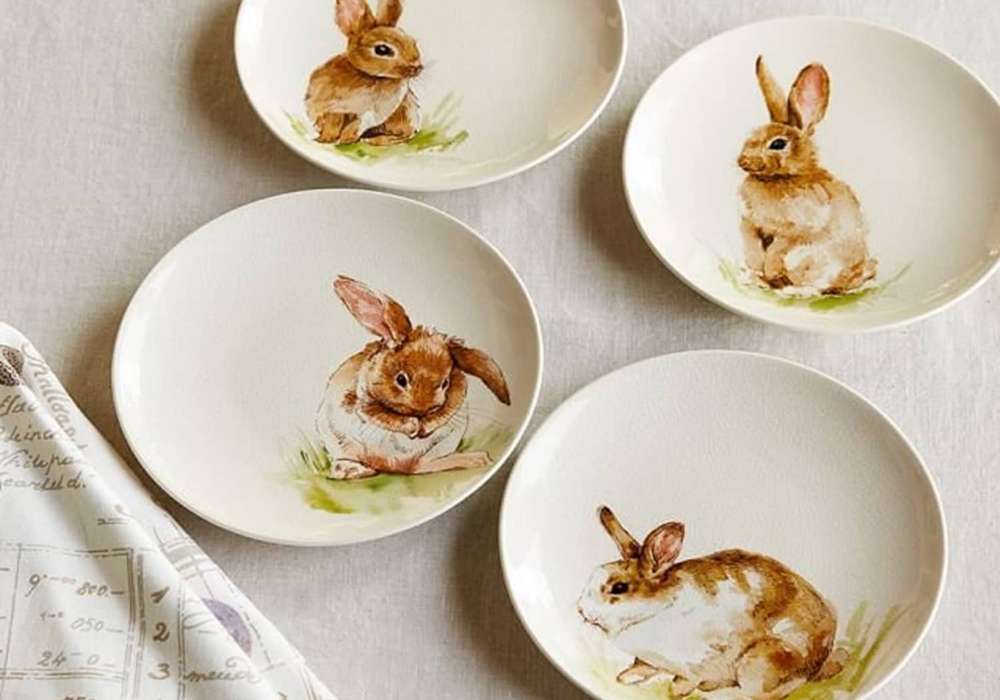
Sublimation Ceramic Plates: Typically used for home decor, wall hangings, or commemorative gifts. They offer a large surface area for high-definition photography or intricate patterns.
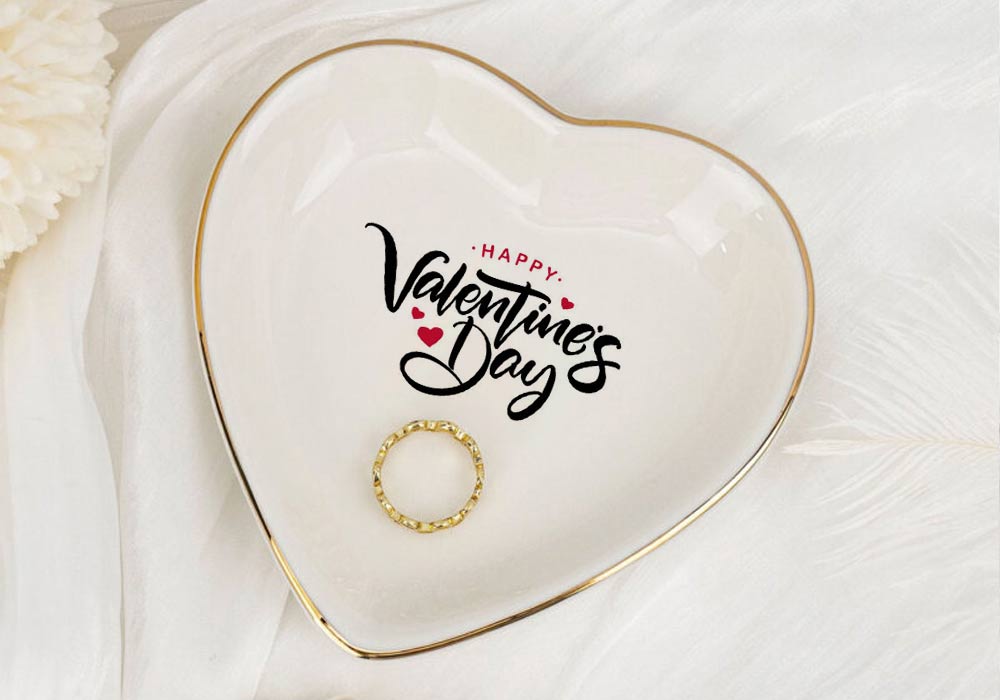
Sublimation Jewelry Trays: These are smaller, often more delicate ceramic dishes used to hold rings, keys, or accessories. They are a top choice for personalized wedding favors and boutique retail.
Equipment and Materials Required
To achieve professional results, you must ensure your equipment is correctly calibrated:
- Sublimation Blanks: High-quality coated plates or trays.
- Sublimation Printer & Ink: Specifically for transfer work.
- Sublimation Paper: High-release paper ensures the colors transfer vividly.
- Heat-Resistant Tape: To secure the design and prevent “ghosting.”
- Heat Press Machine: 3D vacuum machine or Special plate heat pressing machine.
We have recorded a comprehensive video showing the exact steps we take to print ceramic plates. This video covers everything from alignment to the final reveal.
Step-by-Step Production Process
1. Image Preparation
Create your design according to the dimensions of the plate’s printable area. For ceramic plates, this is usually the flat center circle. For jewelry trays, you may choose to cover the entire surface or just the center. Remember to mirror your design before printing.
2. Alignment and Securing
Cut your printed sublimation paper into a circle. Place it face-down on the plate. Use heat-resistant tape to fix the paper in place. It is critical that the paper does not shift during the pressing process, as this will cause a blurry image.
3. Setting the Parameters
Temperature and time are the most critical factors. While settings may vary slightly based on your environment, the standard industry starting points are:
Temperature: 180°C – 200°C (360°F – 390°F)
Time: 8mins.
4. The Pressing Stage
Place the plate into the 3D vacuum machine. Ensure the heating pad is in full contact with the area where the paper is applied. Close the press.
5. Cooling and Finishing
Once the time is up, carefully remove the plate using heat-resistant gloves. Peel off the paper immediately while it is still hot to see the final result. Allow the plate to cool naturally on a flat surface.
Technical Tips for High-Quality Results
- Avoid Thermal Shock: Ceramic can crack if exposed to extreme temperature changes too quickly. Do not place a hot plate directly onto a cold metal surface or into water.
- Pressure Adjustment: If the image is faded in certain areas, the pressure may be too light or the heating pad may not be making even contact.
- Pre-heating: we recommend pre-warming the machine for 180℃ before applying the paper to ensure better ink absorption.
Why Choose Leadsub Blanks?
As a manufacturer with 20+ years of experience, we understand that the quality of the sublimation coating determines the success of your final product. Leadsub’s ceramic plates and jewelry trays feature a specialized coating that ensures:
HD Color Reproduction: Rich blacks and vibrant colors.
Durability: High resistance to scratching and fading.
If you are looking to expand your product line with these items, you can Download our Catalog or Contact our Sales Team for wholesale pricing and OEM solutions.
